
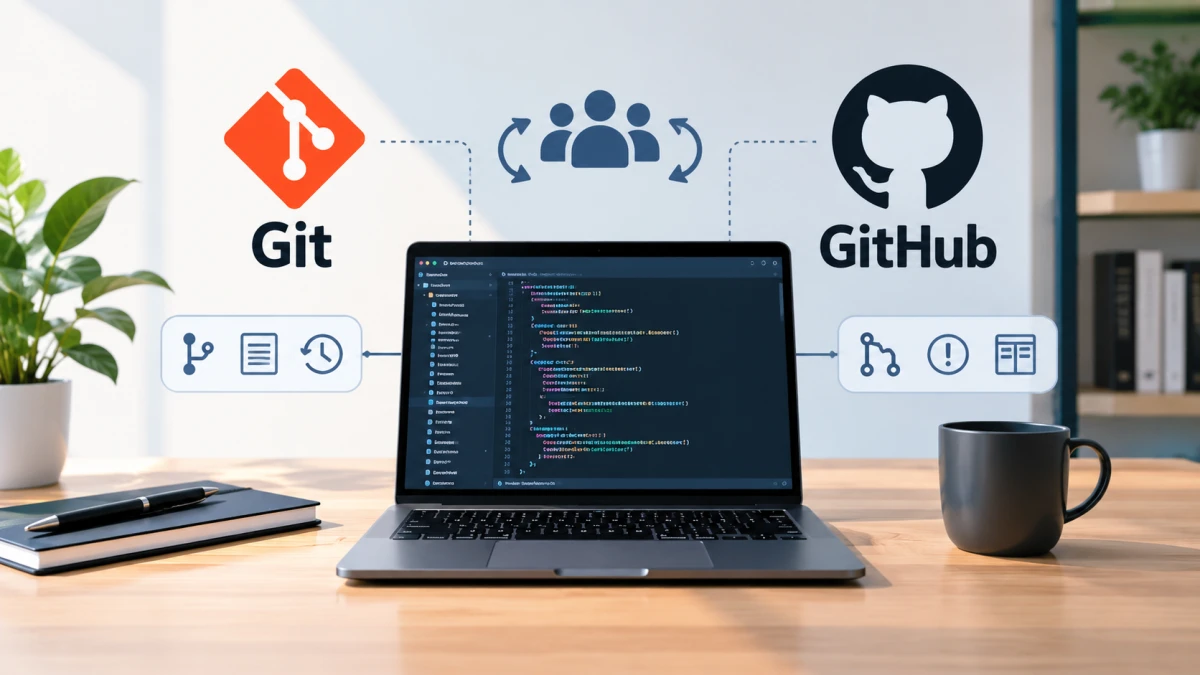
Learn the basics of Git and GitHub, from how they differ to core commands and the branch and pull request workflow for team collaboration.
Git and GitHub are tools that almost every software development team uses. Together, they help programmers keep a history of code changes and work on a project together without overwriting each other’s work.
Many beginners think Git and GitHub are the same thing. In fact, they work differently, even though they complement each other in a single workflow.
The Difference Between Git and GitHub
Git is a version control system that runs on a developer’s local computer. It records every change to the code, stores the history, and manages working branches. If something goes wrong, developers can return to an earlier version.
GitHub is a cloud-based service that stores repositories online. It runs on top of Git and adds team features such as pull requests, issue tracking, project boards, and code review.
In short, Git manages code versions on your own computer, while GitHub handles storage and collaboration among team members. Developers can use Git without GitHub, but online collaboration becomes much harder.
Basic Git Commands You Need to Know
Beginners only need to learn six commands to get started. These commands cover the daily workflow, from creating a repository to sending changes to GitHub.
git init: creates a new Git repository in a local directory.git clone [url]: downloads a copy of a repository from GitHub to your computer.git add [file]: moves file changes to the staging area before they are saved.git commit -m "message": saves changes from the staging area to the local repository, along with a descriptive message.git push: uploads your latest local commits to the repository on GitHub.git pull: fetches the latest changes from GitHub and merges them into your local copy.
Write clear commit messages so your teammates understand what changed. A message like “fix login form validation” is far more useful than “update.”
Make a habit of running git pull before you start working. This reduces the risk of conflicts because your local code stays in line with the latest version on GitHub.
Team Collaboration Workflow on GitHub
Teams usually don’t change the main branch directly. Each member creates a separate branch for a specific feature or fix, which keeps the main code stable. The standard workflow has four stages:
- A team member creates a separate branch for a feature or fix.
- When the work is done, the developer opens a pull request to the main branch.
- Other members review the code, leave comments, and make sure it meets the team’s quality standards.
- Once approved, the changes are merged into the main branch.
GitHub also offers two tools for organizing work. Issue tracking is used to record bug reports, ideas for new features, and unfinished tasks. A project board is a kanban-style board that shows the status of the team’s work in real time.
With this workflow, a team can work in parallel from any location, including across countries. The full history of changes is recorded neatly, which makes tracking down errors easier. Understanding commits, branches, push, pull, and pull requests is also an important foundation for anyone who wants a career in software engineering with Git and GitHub.