
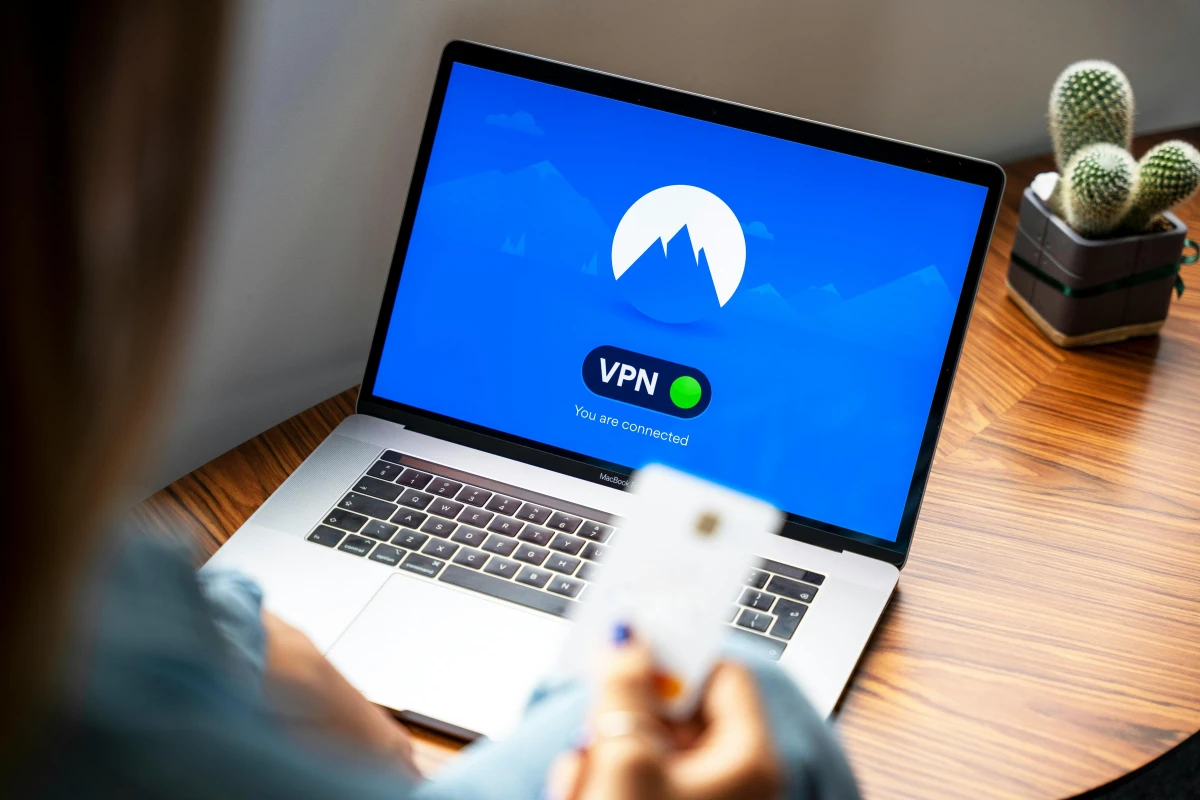
A VPN encrypts internet traffic and masks your IP address. Learn how VPNs work, what types and features exist, and where their security limits lie before you choose a provider.
A VPN, or virtual private network, is an important tool for protecting digital privacy and data security. It creates a protected connection when you use a public network. A VPN encrypts your internet traffic and masks your online identity in real time.
According to a Forbes survey, nearly half of web users use a VPN in daily life. They use it for everything from working remotely to browsing the internet more safely.
How VPNs Work, and Where They Came From
A VPN hides the real IP address of your device. It routes your internet connection through a remote server run by the VPN provider. Websites see only the IP address of that server, not yours.
A VPN app creates an encrypted tunnel between your device and the internet. The data is scrambled, so a third party who intercepts it cannot read it without the encryption key. Your ISP can still see that you are connected to a VPN service. However, it has a hard time reading which sites you visit and what data you send.
Work on encrypting internet communications began in the 1960s with a U.S. Department of Defense project. That project produced ARPANET and the TCP/IP protocol. In 1993, a team from Columbia University and AT&T Bell Labs created swIPe, an early form of the modern VPN. A year later, Wei Xu developed IPSec to authenticate and encrypt data packets.
In 1996, Gurdeep Singh-Pall of Microsoft created the Peer-to-Peer Tunneling Protocol (PPTP). In the early 2000s, VPN solutions began to appear, but almost only companies used them. A series of security leaks in the early 2010s helped the consumer VPN market grow widely.
VPN Types, Features, and Uses
There are three common types of VPN, based on architecture and purpose. The table below shows how they differ.
| VPN Type | How It Works | Main Use |
|---|---|---|
| SSL VPN | Uses dedicated hardware. Users sign in through an HTML5-based browser with a username and password. | Remote work on personal devices (BYOD) |
| Site-to-Site VPN | Hides the internal intranet and connects multiple LANs to a WAN, or two separate intranets. | Large companies with many branches |
| Client-to-Server VPN | Connects a personal device to the VPN provider through a client app. Data is encrypted automatically. | Securing public networks and getting around access restrictions |
Two security features deserve your attention. Split tunneling lets you choose which apps or sites go through the VPN, while other apps connect directly to the internet. This saves bandwidth and improves performance. A kill switch blocks all internet traffic if the VPN connection drops suddenly, so your real IP address is not exposed.
VPNs have many use cases. On public Wi-Fi, such as in cafes, hotels, airports, or libraries, a VPN protects sensitive data. Employees use one to reach company servers and confidential files from outside the office. People traveling abroad can also access local services by spoofing their location.
Online gamers use VPNs to avoid bandwidth throttling by their ISP. A VPN also adds protection against DDoS attacks. When you shop online, a VPN prevents location-based price tracking and protects your payment data.
You can set up a VPN in several ways:
- VPN client: a standalone app installed on a computer or other endpoint device.
- Browser extension: secures only the traffic inside the browser, not email clients or games.
- VPN router: protects every device on the network, including smart TVs that are hard to configure.
- Smartphone app: available on iOS and Android, and usually turned on with a single button.
Security Limits and How to Choose a VPN Provider
A VPN does not make you completely anonymous. Websites can still recognize you when you log in to a personal account. Cookies and browser fingerprinting can also still track your activity. Your ISP can still see how much data you send and the fact that you are connected to a VPN server.
A VPN does not scan for or block malicious files. It cannot stop you from clicking a phishing link or entering a password on a fake site. Malware and spyware already installed on your device will also keep running. For that reason, you should use a VPN together with antivirus software and good cybersecurity habits.
A VPN is a privacy tool, not legal protection. Trustworthy providers still comply with the local laws where they operate. Law enforcement also has other technical and legal methods for investigating illegal activity.
When choosing a provider, check these five things:
- No-logs policy: the provider does not record your browsing history or activity.
- Independent security audits: third parties verify privacy claims through transparency reports and regular audits.
- Strong encryption: the provider uses modern protocols with encryption such as AES-256.
- Account security: the service supports multi-factor authentication (2FA/MFA).
- Cross-platform support: the VPN works consistently across different operating systems and devices.
A provider that meets these criteria offers more measurable privacy protection for VPN users.