
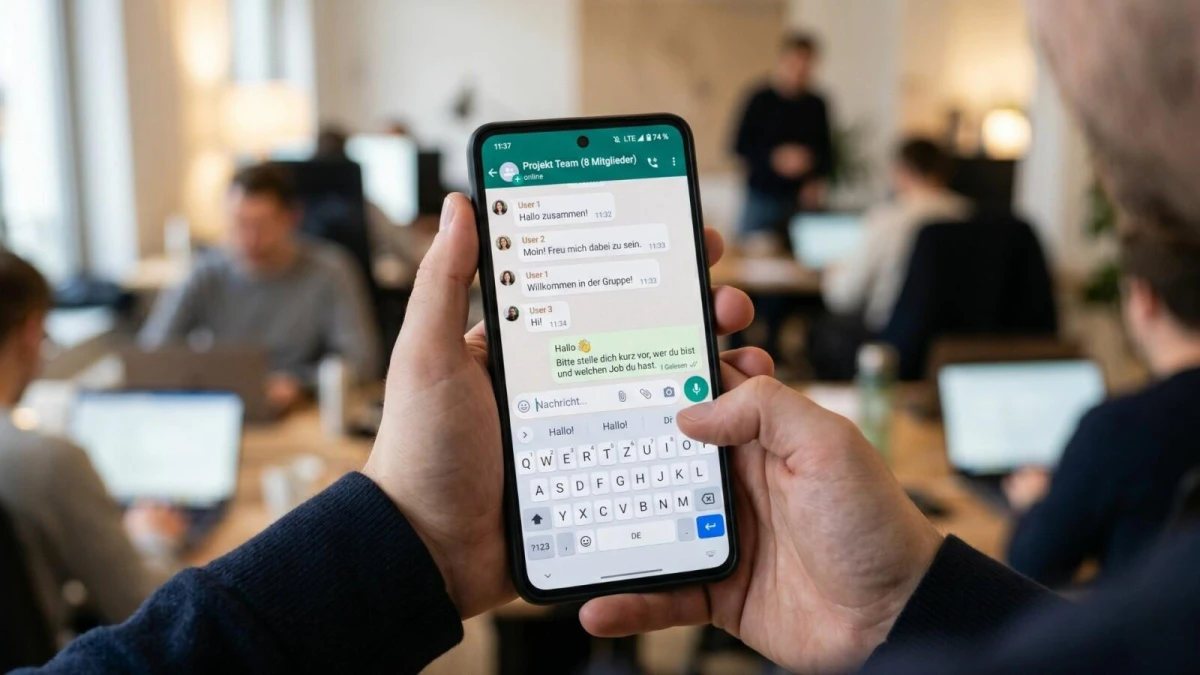
WhatsApp has released four new group features. Users can pin messages forever, share chat history with new members, post group Status updates, and filter mentions.
WhatsApp’s new features for group chats were officially announced in late October 2026. The update is available to Android and iOS users worldwide. It includes four features at once: pinning messages with no time limit, sending chat history, group-only Status, and a mentions filter.
WhatsApp announced the update on October 29, 2026. Meta’s messaging app wants to make group conversations easier to follow, especially for new members. Important messages that often get buried in the chat should also be easier to find.
Some of the features are upgrades to existing ones, while others are newly announced. Here is a look at each one.
Pin Messages With No Time Limit
Until now, users could pin a message for only 24 hours, seven days, or 30 days. Once that period ended, the message dropped off the top of the group. WhatsApp has now added a “forever” option.
This works well for information that rarely changes, such as event details, activity schedules, or group announcements. Admins no longer need to re-pin the same message every month.
Permission to pin messages still follows the group setting called Edit group settings. Admins decide who is allowed to pin. Regular members can use the feature only if an admin gives them permission.
Chat History for New Members
WhatsApp first introduced Group Message History on February 19, 2026. At that time, users could share older messages only when adding a new member. The number of messages that could be shared ranged from 25 to 100.
Now users can send chat history after a new member has already joined. To do this, tap the member’s name in the group conversation, then send them the most recent messages. Admins and members with permission can do this. digit
Shared messages stay protected by end-to-end encryption. Admins can also turn off history sharing for regular members. Disappearing messages, live location, and view-once messages are not included when history is sent.
Group Status and the Mentions Filter
The group Status feature lets users share a Status with only certain group members instead of all their contacts. Like a regular Status, it disappears automatically after 24 hours. Families or classmates can use it without sending messages one by one.
The fourth feature is a Mentions and replies filter for unread groups. It shows messages that tag the user or reply to their messages. Messages that use the @all tag are also included in the filter.